Add Your Card
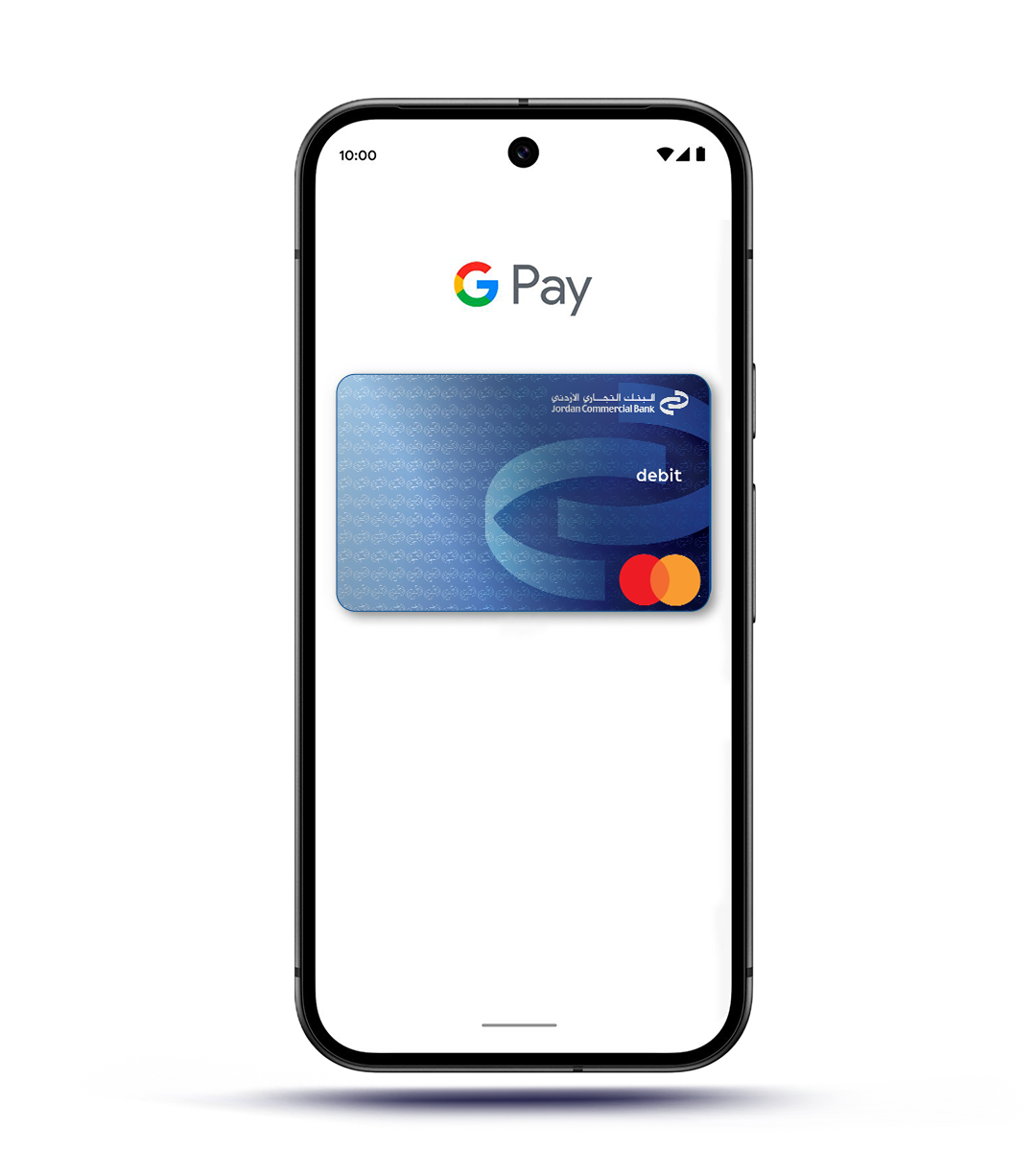
Add your Debit, Credit, or Yelo Prepaid JCB card to Google Wallet.
Tap & Pay
Enjoy fast, secure contactless payments anytime, anywhere.
No Physical Card Needed
Leave your wallet behind—pay directly with your phone.
Why Google Pay?
Fast & Convenient

Pay quickly without the need to carry your physical card.
Widely Accepted

Accepted locally and internationally at any merchant that supports contactless payments.
Free Service

No additional charges from Jordan Commercial Bank when using Google Pay™.
How to Use Google Pay™
- Look for the contactless symbol at the point-of-sale terminal.
- Unlock your phone.
- Tap your device near the terminal.
- Wait for the confirmation sound or vibration.
How to Add Your Jordan Commercial Bank Card to Google Wallet
- Set Up Google Wallet™
- Download the Google Wallet™ app from Google Play.
- Open the app and follow the setup steps.
- Enable NFC on your device.
- Set a screen lock (PIN, pattern, or biometric).
- Add Your Jordan Commercial Bank Card
- Open Google Wallet™.
- Select Add a payment card.
- Enter your card details manually or scan the card.
- Review and accept the Terms & Conditions.
- Complete verification by entering the OTP sent to your registered mobile number.
Frequently Asked Questions (FAQs)
Google Pay enables contactless payments using your card through your Android device.
Any Android device that supports:
- NFC
- Google Play services
- Android 9.0 or higher
- Screen lock
Unlock your phone → hold it near the contactless terminal → wait for confirmation.
Transactions appear in both Google Wallet™ and Tejari Mobile.
Yes, removing the card from Google Pay does not affect your physical card.
Simply add the new card to Google Wallet™ once issued.
Yes, Google Pay can be used at any merchant worldwide that supports contactless payments.
No, Jordan Commercial Bank does not charge any fees for using Google Pay.
Yes, you can add multiple JCB cards to Google Wallet™.
A small temporary authorization may appear and will be automatically reversed.